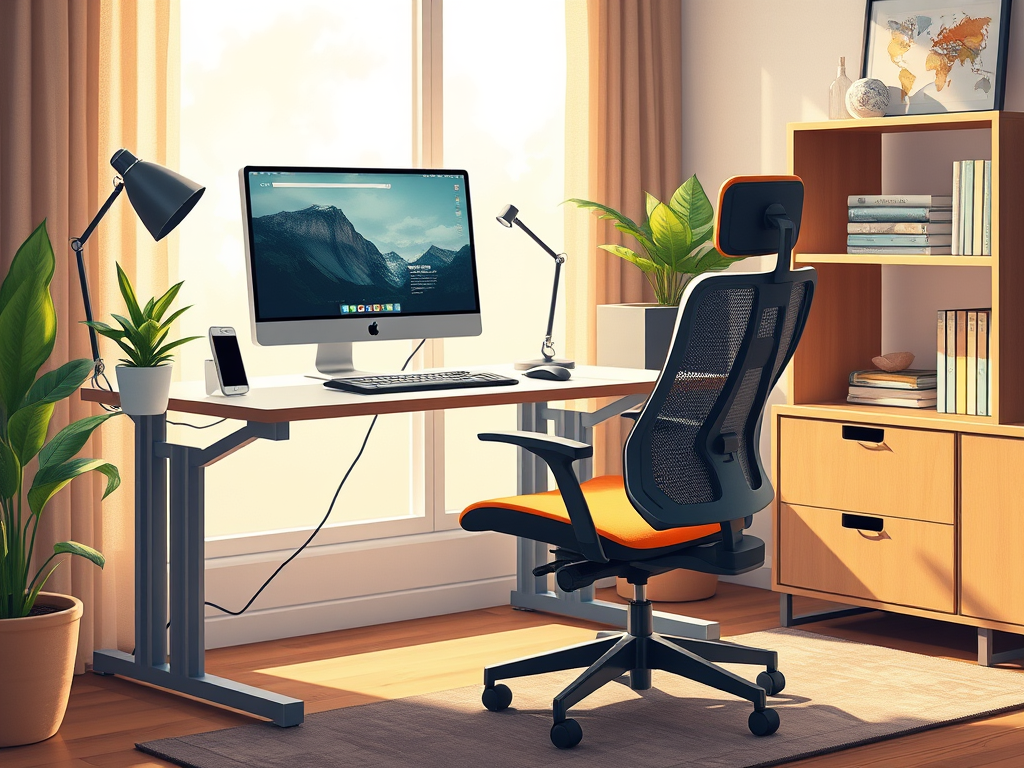
Working from home has become the new normal. If you’re not careful, your home office setup is causing you more harm than good. Poor ergonomics can lead to back pain, neck strain, wrist discomfort, and even long-term health issues. The good news? A few simple adjustments can make all the difference in keeping you comfortable and productive throughout the day.
Let’s dive into how you can create an ergonomic home office that supports your body and enhances your efficiency.
Create a Mindful Workspace for Better Focus(Opens in a new browser tab)
1. The Right Desk and Chair: Your Foundation for Comfort
Your desk and chair form the backbone of your workspace. Investing in ergonomic furniture is one of the best things you can do for your health and productivity.
- Chair: Choose a chair with adjustable height, lumbar support, and armrests. Your feet should rest flat on the floor, and your knees should be at a 90-degree angle. If your chair is too high, use a footrest.
- Desk: A desk height of about 28-30 inches works for most people. Ensure there’s enough space for your legs to move freely, and avoid cramming items underneath.
Standing Desk: A Game Changer?
If you spend long hours sitting, a standing desk or adjustable desk converter can help reduce strain on your back. It can also improve circulation. The key is to alternate between sitting and standing throughout the day.
2. Monitor Positioning: Prevent Neck and Eye Strain
Your monitor should be positioned at eye level, about an arm’s length away from your face. Looking down or up at your screen for extended periods can lead to neck pain and headaches.
- If using a laptop, consider a laptop stand with an external keyboard and mouse to maintain proper alignment.
- Adjust brightness and use blue light filters to reduce eye strain.
- Every 20 minutes, look at something 20 feet away. Do this for at least 20 seconds. This will give your eyes a break.
3. Keyboard and Mouse: Reduce Wrist and Hand Fatigue
Incorrect placement of your keyboard and mouse can cause wrist discomfort. It can even lead to repetitive strain injuries like carpal tunnel syndrome.
- Keep your keyboard at elbow height, with wrists in a neutral position (not bent up or down).
- Use an ergonomic keyboard and mouse designed for comfort.
- Consider a wrist rest to minimize pressure on your wrists.
4. Lighting and Environment: Boost Mood and Focus
Proper lighting is crucial for reducing eye strain and maintaining focus.
- Use natural light whenever possible but avoid glare on your screen. Position your desk near a window but perpendicular to it.
- Invest in a desk lamp with adjustable brightness to reduce shadows and eye fatigue.
- Keep your workspace tidy and free from distractions to improve productivity.
Bonus Tip: Add Some Greenery
Plants not only improve air quality but also enhance mood and creativity. A small desk plant can make a big difference!
5. Movement and Posture: Stay Active While Working
Even the best ergonomic setup won’t help if you sit in the same position all day. Movement is essential!
- Take breaks every 30-60 minutes to stretch or walk around.
- Adjust your posture throughout the day—don’t stay locked in one position.
- Use a stability ball or balance board occasionally to engage core muscles.
Final Thoughts: Prioritize Your Comfort and Well-Being
Setting up an ergonomic home office doesn’t have to be complicated or expensive. Small adjustments—like improving your chair height, monitor placement, and keyboard positioning—can make a huge difference in your comfort and productivity.
By making ergonomics a priority, you’ll not only feel better but also work more efficiently and enjoy your work-from-home experience.
What changes will you make to improve your home office setup? Let me know in the comments! 😊




Leave a Reply